
Fast & Accurate M4A to Text Converter
Transform your M4A recordings into text instantly with iTranscribe's professional converter.
Upload your Audio
Why You Need M4A to Text Conversion
Manual transcription wastes time and produces errors. Typing audio manually takes 4-6x the recording length, while fatigue leads to mistakes. M4A files remain unsearchable, and hours spent transcribing could be used for strategic work.
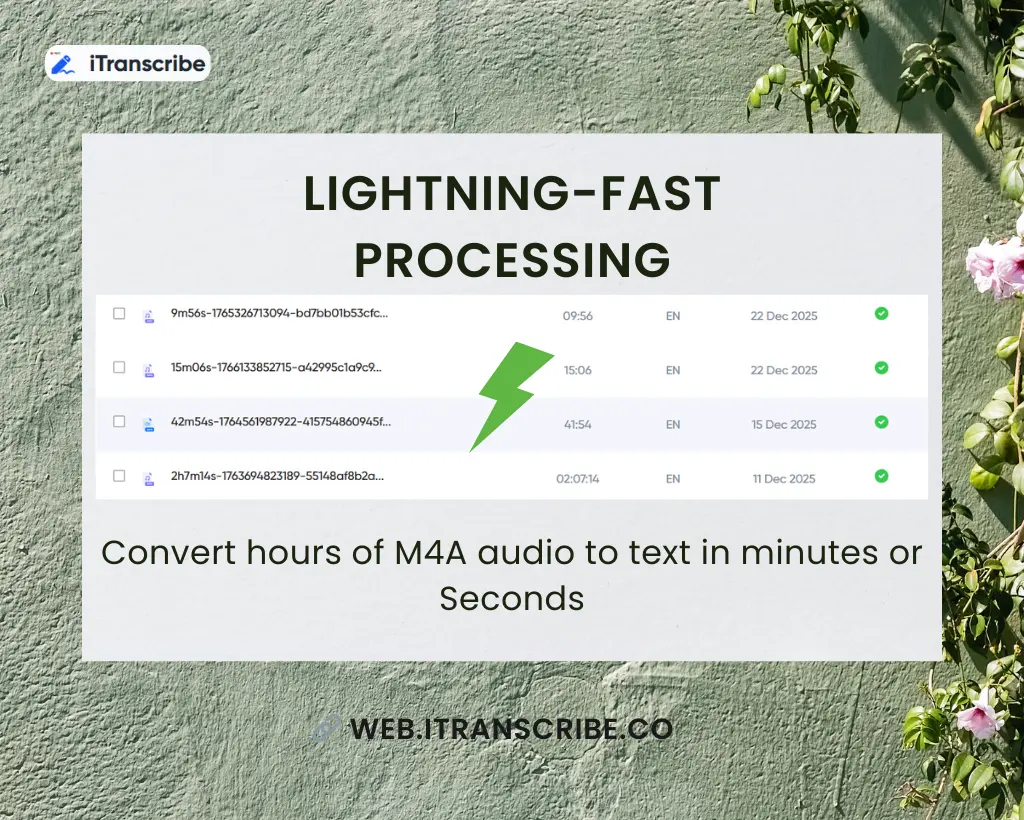
The solution? iTranscribe's Automated M4A to text conversion that delivers speed, precision, and searchable results every time.
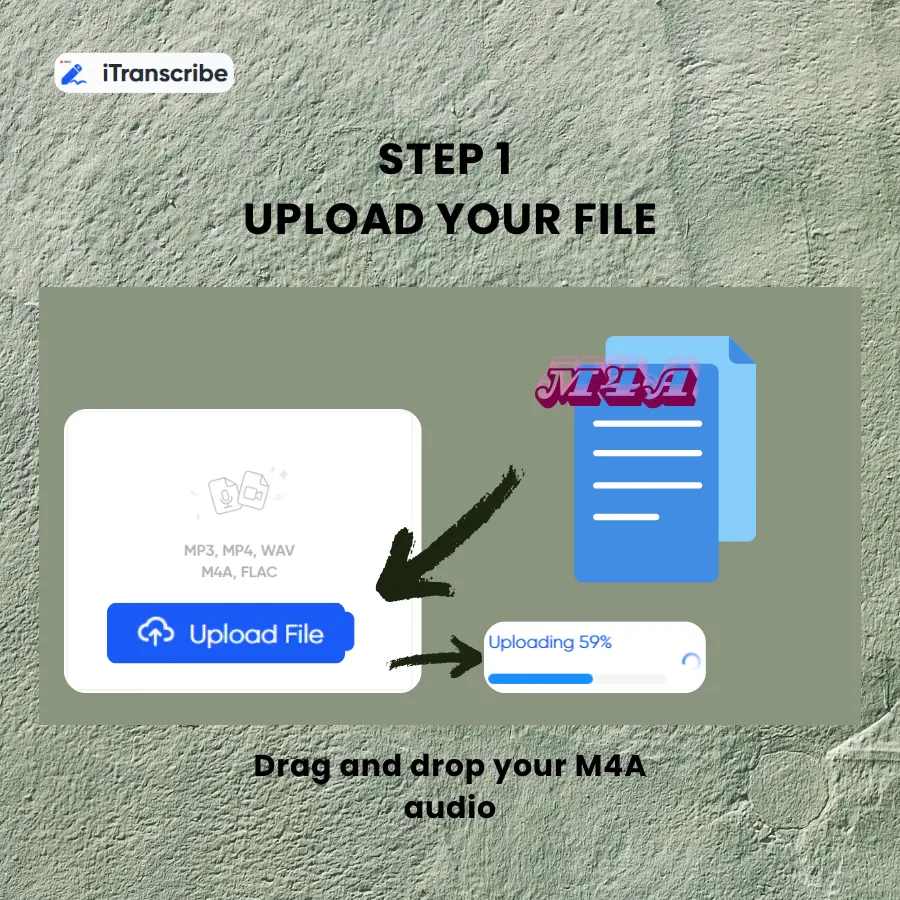
Step 1Upload Your File
Drag and drop your M4A audio or browse from your device securely.
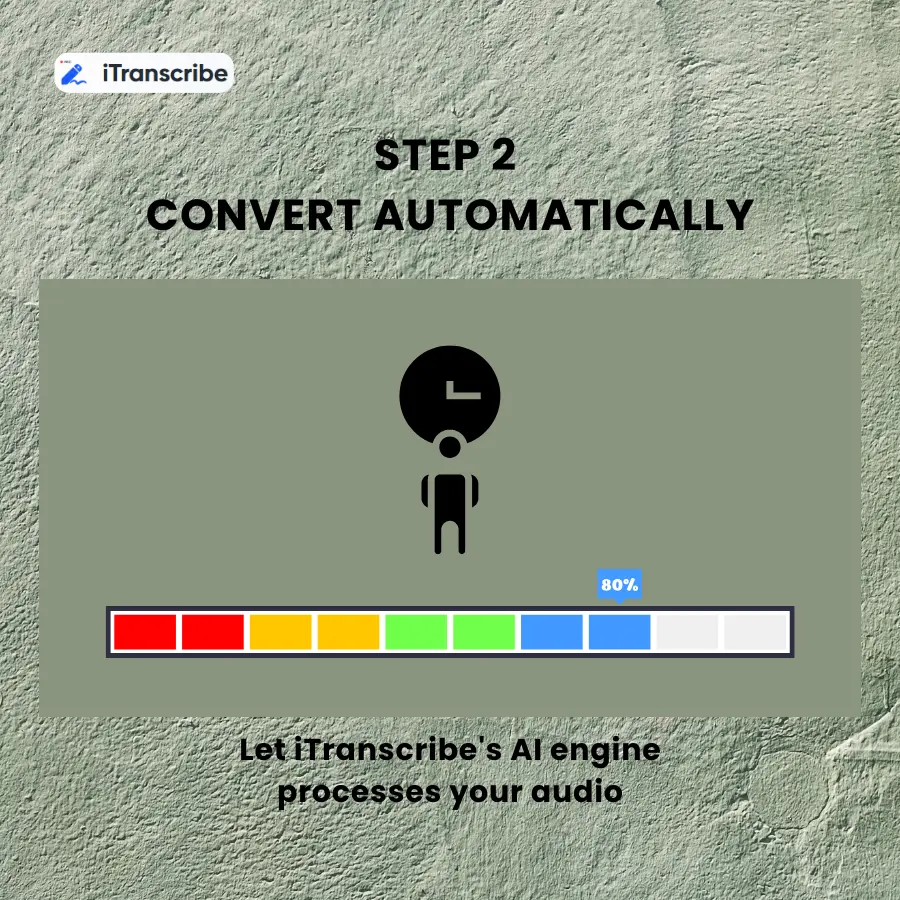
Step 2Convert Automatically
iTranscribe's AI engine processes your audio and transcribes M4A to text instantly.
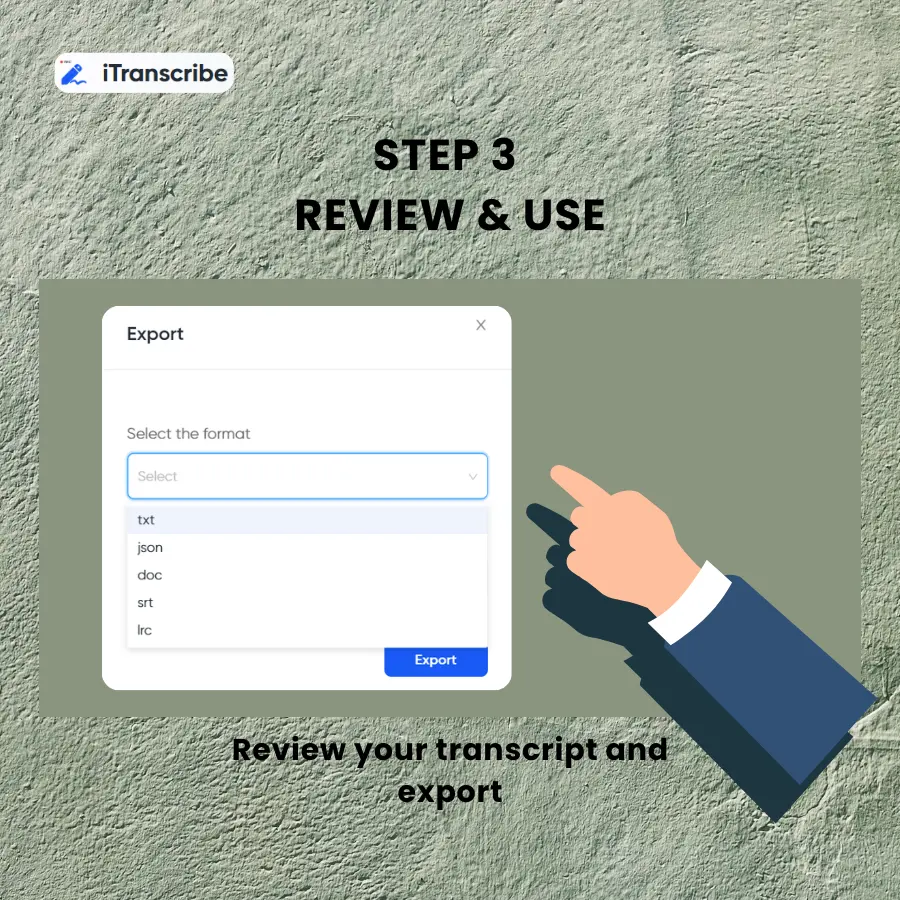
Step 3Review & Use
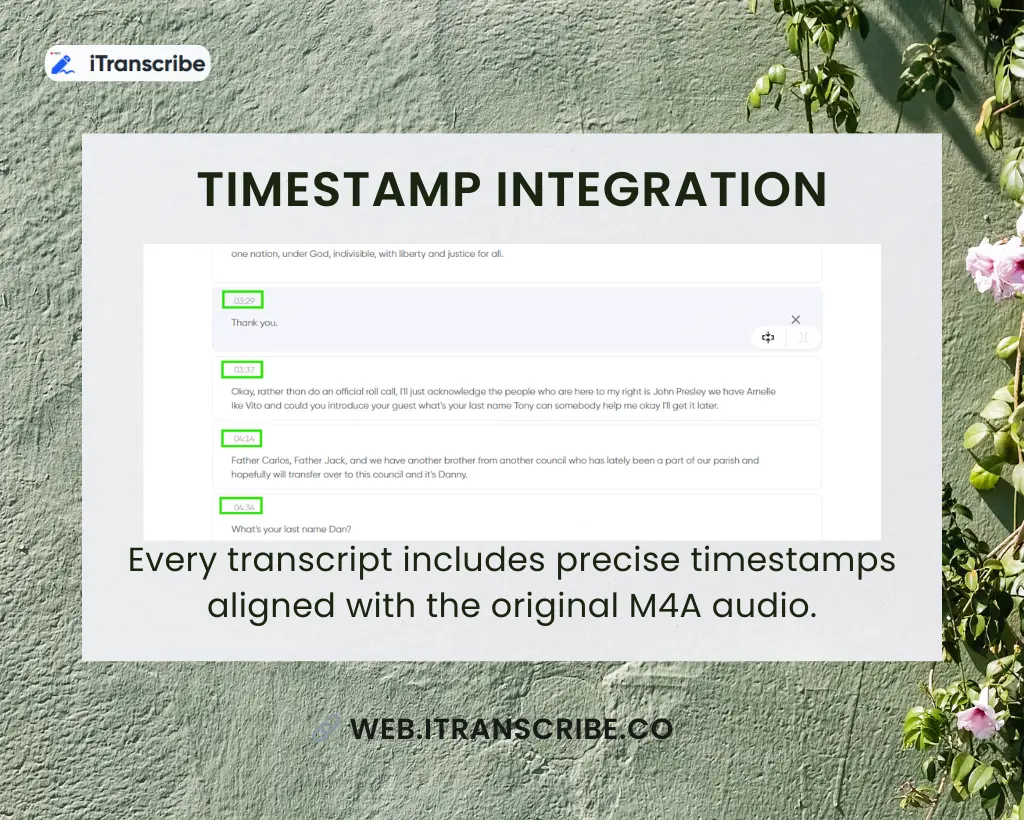
Review your transcript and export in TXT, DOCX, or SRT format.
Start Converting M4A Files Now
Stop wasting hours on manual transcription. Get accurate text from your M4A recordings in minutes. Try our M4A to text converter free—no credit card required.
Powerful Features for Professional Transcription
Industry-Leading Accuracy
Advanced AI technology delivers up to 98% accuracy for M4A speech to text conversion. The system handles multiple speakers, accents, and technical terminology with exceptional precision, ensuring professional-quality results every time.
What Our Users Say
See What Real Users Say About iTranscribe
Rate this tool:
4.9 (2131688 Votes)
Frequently Asked Questions
iTranscribe: Your Seamless AI Transcription Partner

As a journalist, I need to transcribe M4A to text daily. This M4A to text converter free trial convinced me instantly—it's now essential to my workflow. Accuracy is incredible and saves me hours!
I've tried multiple tools to convert M4A to text, but iTranscribe stands out. The M4A speech to text accuracy saves me hours of editing. Highly recommend! The interface is intuitive and user-friendly.
Research interviews used to take days to transcribe. Now I use this M4A to text converter and get results in minutes. Game-changer for academics! It's freed up time for analysis and handles technical terms well.
Our team needed to transcribe M4A to text for client calls. This M4A to text converter free option let us test first—we upgraded immediately. Worth every penny! The quality exceeded our expectations.
Legal depositions require precision. This M4A speech to text tool delivers professional accuracy that I can trust. Best investment for my practice, which captures legal terminology perfectly and saves hours.
I convert M4A to text for my online courses weekly. The speed and accuracy of this M4A to text converter have transformed my content creation process! It saves hours and lets me focus on teaching quality.