
Transform MP4 Videos to Text in Seconds
Upload your MP4 and let AI transcribe it—fast, accurate, and effortless.
Upload your Audio
Tired of Replaying Videos to Catch Every Word?
Manual transcription wastes your time and energy. Endless rewinding to catch one sentence, restarting for every missed word, and hours spent typing instead of doing actual work—while tasks pile up fast. The repetitive cycle drains your focus before you even start your real work.
Try iTranscribe's convert MP4 to text feature now to help you avoid the above troubles!
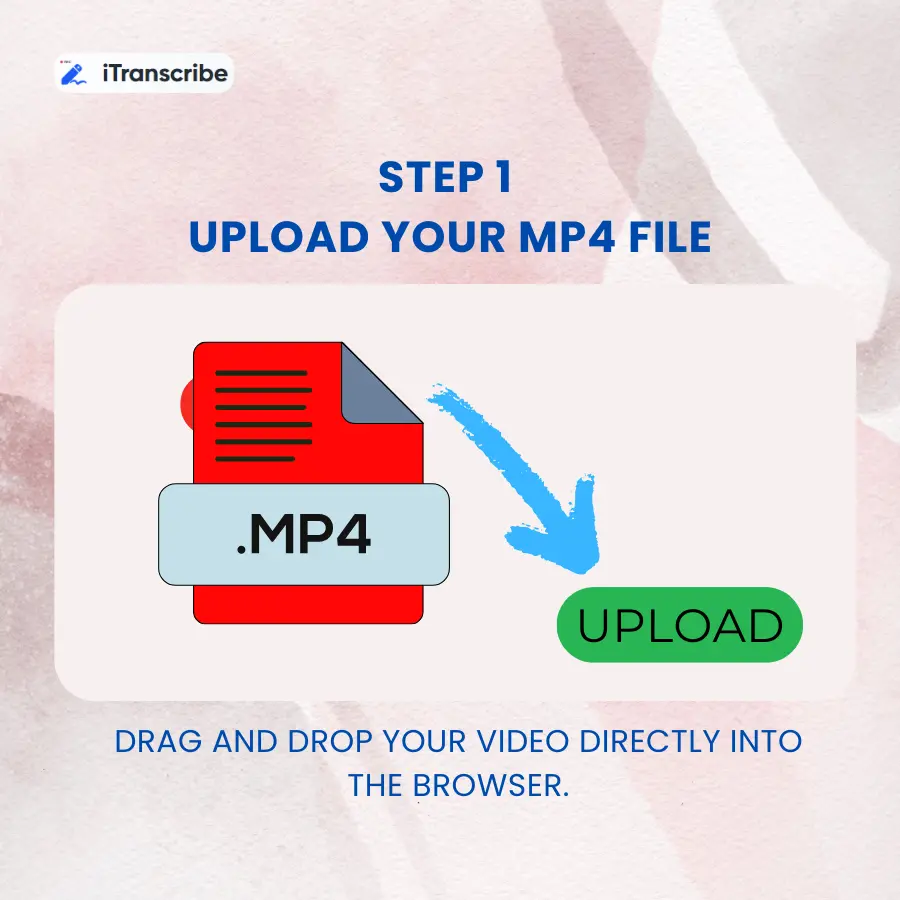
Step 1 Upload Your MP4 File
Drag and drop your video directly into the browser. No software installation required.
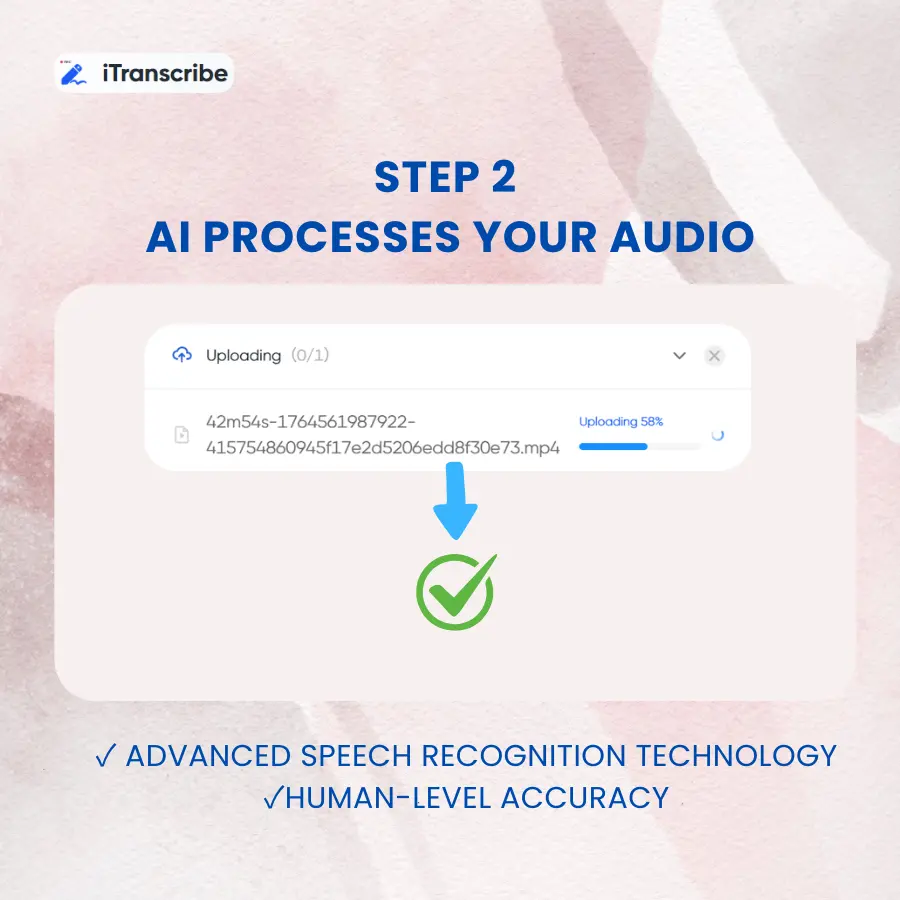
Step 2 AI Processes Your Audio
iTranscribe‘s advanced speech recognition technology extracts every word with human-level accuracy.
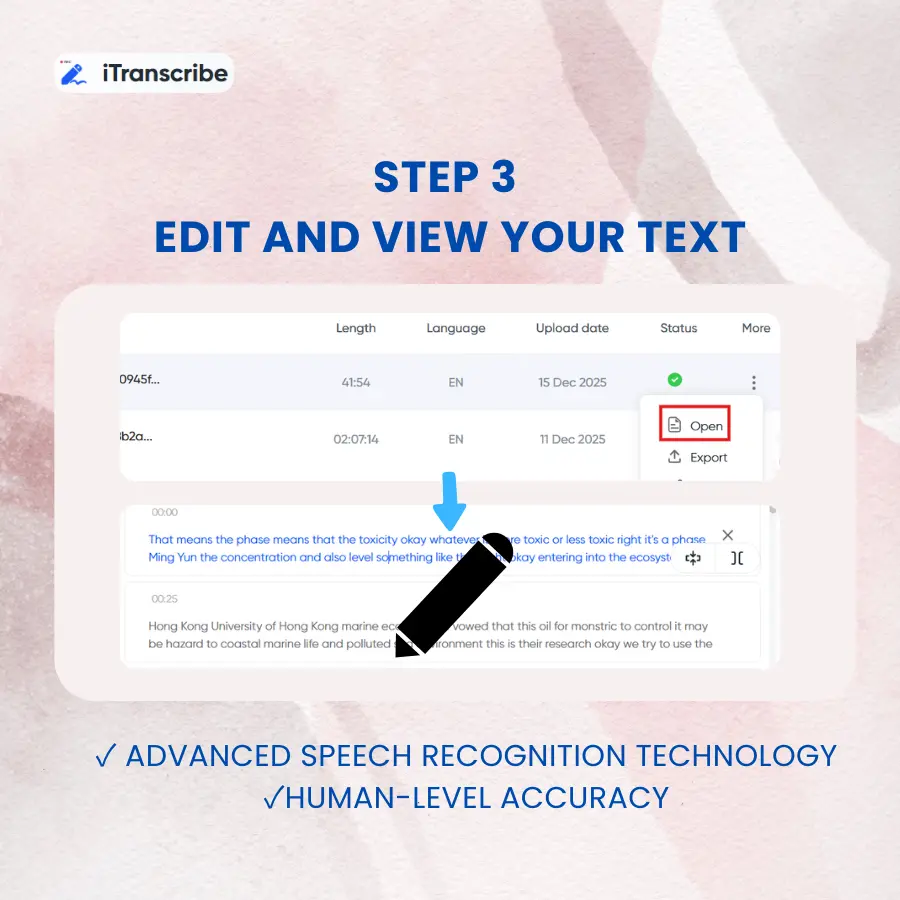
Step 3Edit and View Your Text
Get your text file instantly. Edit, share, or repurpose it however you need.
Start Transcribing Your MP4 files Now
Stop wasting time on manual typing. Join thousands who've already automated their MP4 to text transcription workflow and reclaimed hours every week.
The Smart Way to Convert MP4 to Text
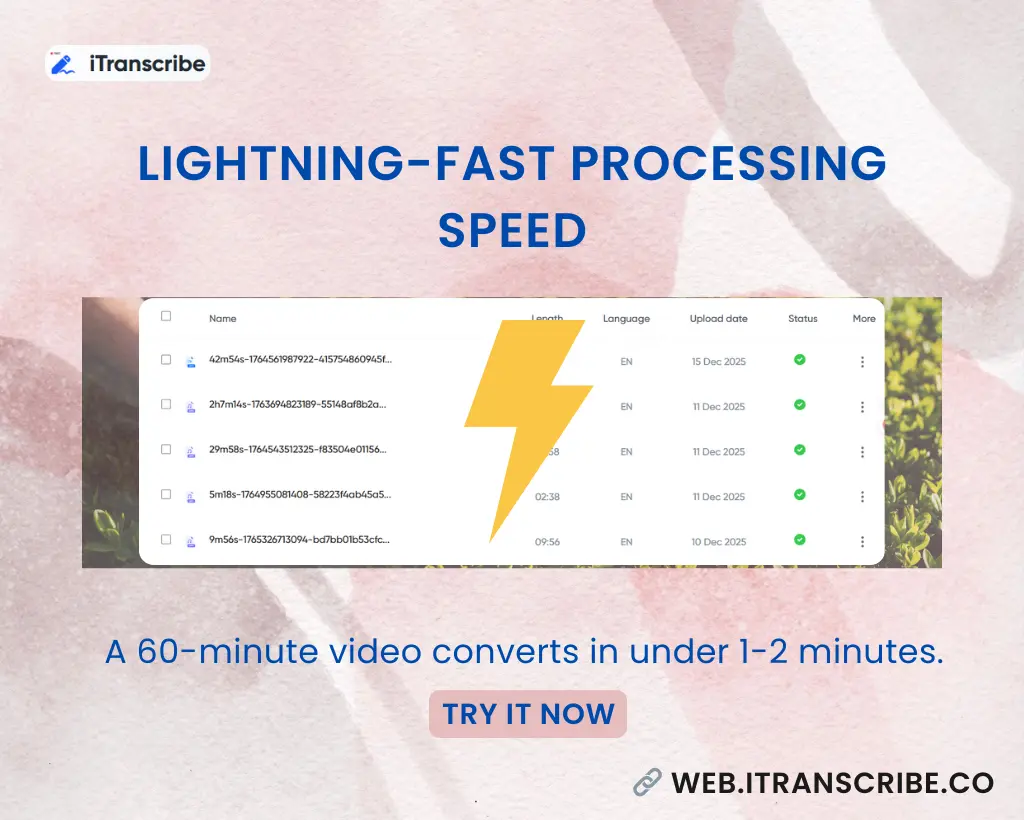
Lightning-Fast Processing Speed
A 60-minute MP4 file converts in under 1-2 minutes. Unlike other tools that require hours of waiting, this one delivers results before the coffee gets cold. Time is money, and this tool respects both.
What Real Users Are Saying
See real user experiences with iTranscribe.
Rate this tool:
4.9 (2131688 Votes)
Frequently Asked Questions
iTranscribe: Your Seamless AI Transcription Partner

As a documentary filmmaker, I needed a reliable MP4 to text converter for noisy environments. iTranscribe delivered MP4 to text transcription even with background street sounds, saving my time.
I run a podcast with weekly episodes. Finding a way to transcribe MP4 to text free was game-changing for my SEO strategy. Now every episode becomes a blog post automatically. Best MP4 to text solution I've tried.
Medical lectures are dense with terminology. I was skeptical any tool could transcribe MP4 to text accurately, but iTranscribe surprised me. The transcription quality beats expensive software I used before.
I train corporate teams remotely. Recording sessions and using this MP4 to text converter lets me create training manuals effortlessly. It's the fastest way to transcribe MP4 to text I've found in five years.
As a freelance writer, I interview sources weekly. This tool helps me transcribe MP4 to text free for initial drafts, then I polish the quotes. The MP4 to text accuracy means less editing work for me.
I manage a legal firm's video depositions. We needed secure MP4 to text transcription that wouldn't leak confidential information. iTranscribe's encryption and deletion policy made it our go-to converter.